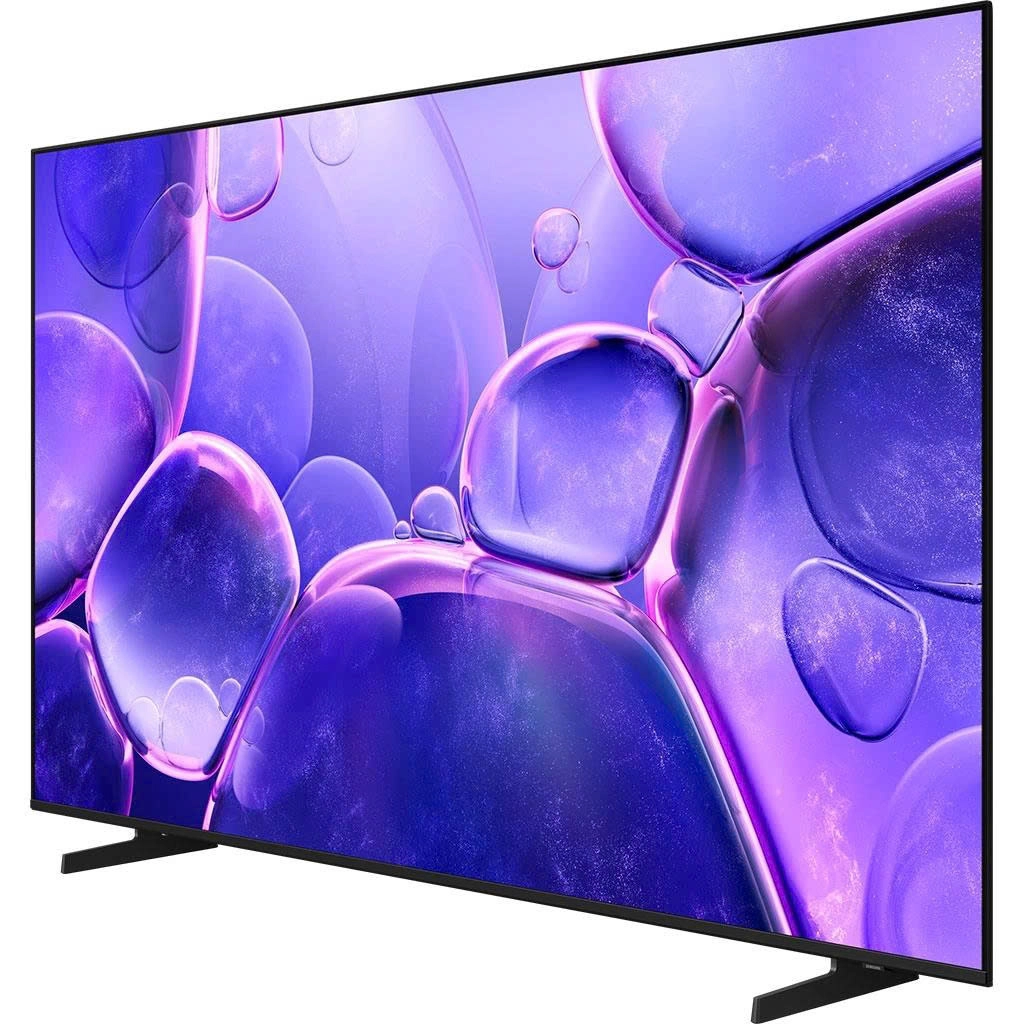
A VRR television (Variable Refresh Rate) is a display that dynamically adjusts its refresh rate to match the frame rate output by a connected device, such as a game console or PC. This synchronization eliminates visual artifacts like screen tearing and stutter, providing a significantly smoother and more responsive viewing experience, particularly for gaming. VRR is a key feature of modern gaming, ensuring that even when a game’s frame rate fluctuates, the display remains perfectly in sync.
First, What Exactly Is VRR? A Simple Analogy
At its core, VRR stands for Variable Refresh Rate. To understand it, think of your TV screen and your game console (or PC) as two musicians trying to play in perfect time.
For decades, your TV was the stubborn one. It had a fixed tempo, or refresh rate, usually 60Hz (meaning it refreshed the image 60 times per second). It demanded that the console deliver a new picture frame at that exact beat. But your console, especially during an intense, graphically demanding scene, isn’t always a perfect metronome. Its tempo, or frame rate (FPS), fluctuates. Sometimes it’s hitting 60 FPS, sometimes it dips to 48, sometimes it spikes to 55.
When the TV and console are out of sync, you get visual chaos. That’s where VRR steps in. A VRR television is no longer a stubborn musician; it’s a dynamic conductor. It listens to the console and adjusts its own refresh rate in real-time to perfectly match the frame rate the console is putting out. If the game drops to 47 FPS, the TV instantly adjusts to a 47Hz refresh rate. The result? A beautifully synchronized performance.
The Villains VRR Defeats: Screen Tearing and Stutter
To truly appreciate our hero, VRR, we need to understand the monsters it slays. Without it, your TV is forced into a tough choice when it gets a new frame out of sync.
Screen Tearing
This is the most infamous visual artifact. It happens when the TV, in the middle of drawing one frame, gets a new one from the console. It tries to be efficient and starts drawing the new frame on top of the old one. The result is a horrifying mishmash of two different moments in time, seen as a horizontal line or “tear” across the screen. The first time I saw this cripple a beautiful open-world game; it felt like a crack in the window to that world.
Stutter and Judder
This is the subtler, but equally annoying, cousin of tearing. To avoid tearing, an older technology called V-Sync would force the console to wait and hold a frame until the TV was ready. But if the console can’t produce a new frame in time, it just shows the previous frame again. This creates a noticeable pause or “stutter,” making motion feel jerky and unresponsive. For cinephiles, this can also manifest as “judder” when watching movies, where the film’s 24 FPS cadence doesn’t divide evenly into the TV’s 60Hz or 120Hz refresh rate.
So, How Does VRR Actually Work on a Television?
The magic of VRR is enabled by modern connectivity standards, primarily HDMI 2.1. This newer HDMI version has the bandwidth and the built-in protocol to allow for this constant, two-way communication between the source (your PS5, Xbox Series X, or PC) and your display.
Here’s the play-by-play:
- Your console is rendering a graphically intense scene. It manages to output a frame in, say, 1/52nd of a second.
- It sends this frame, along with a signal saying, “Hey, this is my current pace!” to the TV via the HDMI 2.1 cable.
- The VRR television receives this information and adjusts its display cycle to match, refreshing the screen exactly when that new frame arrives.
- This process repeats thousands of times a minute, creating a seamless, one-to-one relationship between what the console renders and what you see.
“VRR fundamentally changes the relationship between a display and its source device,” notes Dr. Alistair Finch, a media technology analyst. “It moves from a rigid, master-slave dynamic to a fluid, collaborative partnership. For interactive media like gaming, this is nothing short of revolutionary.”
The Different Flavors of VRR: A Quick Field Guide
Like with most tech, VRR isn’t a single, one-size-fits-all standard. You’ll see a few different names floating around, and it’s good to know what they are.
- HDMI Forum VRR: This is the official standard built into the HDMI 2.1 specification. It’s the baseline VRR supported by the PlayStation 5 and Xbox Series X/S. Most new TVs advertising VRR will support this.
- AMD FreeSync: Developed by AMD, this was one of the first mainstream VRR technologies, initially for PC gaming monitors. Many TVs now also support FreeSync. It comes in different tiers (FreeSync, FreeSync Premium, FreeSync Premium Pro) which offer different levels of performance, like guaranteed low framerate compensation (LFC).
- NVIDIA G-Sync: This is NVIDIA’s proprietary VRR technology. For a long time, it required a special chip inside the monitor, which made G-Sync displays more expensive. While some high-end TVs are now “G-Sync Compatible,” meaning they work with NVIDIA’s standard, FreeSync and HDMI Forum VRR are more common in the television space.
For console gamers, the most important one is HDMI Forum VRR. As long as your TV supports that, you’re golden for your PS5 and Xbox.
Who Really Needs a VRR Television?
Okay, let’s get to the bottom line. Is this a must-have feature for you? It depends entirely on how you use your screen.
For the Hardcore Gamer: It’s Non-Negotiable
|
Our Picks for the Best Television in 2026
As an Amazon Associate, we earn from qualifying purchases.
|
||
| Num | Product | Action |
|---|---|---|
| 1 | Electric Spin Scrubber - Cordless Cleaning Brush with Digital Display, 2 Speeds, 8 Brush Heads, IPX7 Waterproof, Adjustable Long Handle for Bathroom, Tub, Tile, Shower, and Car |

|
If you own a PS5, Xbox Series X, or a high-end gaming PC, a VRR television is not a luxury; it’s a necessity to unlock the full potential of your hardware. Games today often feature performance modes that target high frame rates but can’t always maintain them perfectly. With VRR, those inevitable dips from 120 FPS to 110 FPS or from 60 FPS to 50 FPS become completely invisible. It provides:
- Smoother Gameplay: Eliminates tearing and stutter.
- Lower Input Lag: Because the system doesn’t have to wait for the TV’s fixed cycle, your controller inputs feel more immediate and responsive. This can be a literal competitive advantage in online multiplayer games.
- Total Immersion: You stay in the world without distracting visual glitches pulling you out.
For the Movie Buff and Cinephile: It’s a Nice Bonus
While VRR’s primary benefit is for the fluctuating frame rates of gaming, it can also help with movie playback. It can help smooth out judder that can sometimes occur when playing 24 FPS film content on a 60Hz or 120Hz display. However, most modern TVs have other motion processing features to handle this. For cinephiles, features like a “Filmmaker Mode” and excellent contrast are arguably more important, but VRR is a great cherry on top.
For the Casual TV Watcher: Probably Not a Deal-Breaker
If you primarily watch cable TV, broadcast news, and streaming shows from services like Netflix or Hulu, you’re unlikely to notice the benefits of VRR. This content is delivered at a stable frame rate (usually 24, 30, or 60 FPS), so there’s no variability for VRR to correct. Don’t break the bank for it if your screen is just for Ted Lasso and the evening news.
Frequently Asked Questions (FAQ)
1. What is VRR television in the simplest terms?
A VRR television is a TV that can adjust its refresh rate on the fly to match the frame rate of a connected device, like a game console. This synchronization eliminates screen tearing and stutter for a much smoother and more responsive visual experience, especially for gaming.
2. Do I need a special HDMI cable for VRR?
Yes, for the best experience. To get 4K resolution at 120Hz with VRR, you need an Ultra High Speed HDMI 2.1 cable. Older cables don’t have enough bandwidth to support all these features simultaneously.
3. Does my PlayStation 5 or Xbox Series X support VRR?
Absolutely. Both the PS5 and Xbox Series X/S fully support HDMI Forum VRR. It is a key feature of the current console generation, and you need a compatible TV to take advantage of it.
4. Can VRR fix a game that runs very poorly?
No. VRR is a magical tool, but it’s not a miracle worker. It smooths out fluctuations in frame rate. If a game is consistently running at a choppy 20 FPS, VRR will make it a smooth 20 FPS, but it won’t feel fast. It can’t add frames that aren’t there.
5. Is G-Sync or FreeSync better on a TV?
For console gaming, it doesn’t matter, as consoles use the HDMI Forum VRR standard. For PC gamers connecting to a TV, compatibility matters. If you have an NVIDIA graphics card, a G-Sync Compatible TV is ideal. If you have an AMD card, a FreeSync TV is best. Most modern gaming TVs support all three to some extent.
The Final Verdict: A New Standard for Visuals
So, what is VRR television? It’s the peacemaker. It’s the technology that finally allows your console and your TV to stop arguing and start working together in perfect harmony. While it began as a niche feature for PC gamers, it has rightfully become a pillar of the modern home entertainment experience, especially for anyone with a next-gen console. It transforms fluctuating performance into a consistently fluid and responsive picture. Once you experience it, going back to a screen without it feels like a step back in time.
Have you made the leap to a VRR set? What was the first game that made you say “wow”? Let’s discuss the difference it makes in the comments below.
Frequently Asked Questions
What is VRR television in the simplest terms?
A VRR television is a TV that can adjust its refresh rate on the fly to match the frame rate of a connected device, like a game console. This synchronization eliminates screen tearing and stutter for a much smoother and more responsive visual experience, especially for gaming.
Do I need a special HDMI cable for VRR?
Yes, for the best experience. To get 4K resolution at 120Hz with VRR, you need an Ultra High Speed HDMI 2.1 cable. Older cables do not have enough bandwidth to support all these features simultaneously.
Does my PlayStation 5 or Xbox Series X support VRR?
Absolutely. Both the PS5 and Xbox Series X/S fully support HDMI Forum VRR. It is a key feature of the current console generation, and you need a compatible TV to take advantage of it.
Can VRR fix a game that runs very poorly?
No. VRR is a magical tool, but it's not a miracle worker. It smooths out fluctuations in frame rate. If a game is consistently running at a choppy 20 FPS, VRR will make it a smooth 20 FPS, but it won't feel fast. It cannot add frames that are not there.
Is G-Sync or FreeSync better on a TV?
For console gaming, it doesn't matter, as consoles use the HDMI Forum VRR standard. For PC gamers connecting to a TV, compatibility matters. If you have an NVIDIA graphics card, a G-Sync Compatible TV is ideal. If you have an AMD card, a FreeSync TV is best. Most modern gaming TVs support all three to some extent.
How VRR Works on a Television
Understand the step-by-step process of how Variable Refresh Rate (VRR) synchronizes your TV with a gaming console or PC to eliminate screen tearing and stutter.
Your gaming console or PC renders a graphically intense scene, outputting a frame at a variable rate, for example, in 1/52nd of a second.
The console sends this rendered frame along with a signal indicating its current frame rate pace to the TV via an HDMI 2.1 cable. This communication is crucial for real-time synchronization.
The VRR television receives this information and instantly adjusts its display refresh cycle to precisely match the incoming frame rate. This ensures the screen refreshes exactly when the new frame arrives.
This process repeats thousands of times per minute, creating a seamless, one-to-one relationship between what the console renders and what you see on screen. This dynamic adjustment results in fluid, tear-free visuals.
Get our weekly buyer guide
Practical specs, not advice. Unsubscribe anytime.
As someone who plays a lot of competitive online games, the responsiveness from a VRR television is crucial. I used to get frustrated with visual artifacts, but now my display stays perfectly in sync with my console’s output. It really does make a difference in fast-paced shooters. Highly recommend for anyone serious about their gaming performance.
The concept of VRR eliminating stutter sounded amazing, and it does work well for the most part. However, I found that setting it up with my specific Xbox Series X and soundbar was a bit more complicated than I expected. The picture is great once it’s all dialed in, but the initial configuration was a bit of a headache. Wish it was more plug-and-play.
I was skeptical about how much of a difference VRR would make, but I’m pleasantly surprised. My PC gaming experience is noticeably smoother, especially in graphically demanding titles where frame rates can fluctuate. I still notice a tiny bit of input lag sometimes, but it’s a huge improvement over my old fixed 60Hz display. Great feature for the price point.
I finally upgraded to a VRR TV after reading about it, and it’s a game-changer for my PS5. No more screen tearing during intense action sequences in Elden Ring, which used to drive me nuts. The smoothness is incredible, making everything feel so much more responsive. Definitely worth the investment for serious gamers.