Let’s be honest, the term “budget TV” used to be a dirty little secret. It conjured images of washed-out colors, clunky interfaces, and a picture so blurry you’d think you were watching a bootleg copy of The Sopranos. But finding the Best Budget 4k Tv today is a completely different story. It’s no longer about settling for less; it’s about getting incredible, cinematic quality without having to remortgage your house. So, grab your popcorn, because we’re about to decode what makes a budget TV truly great and help you find the perfect screen for your next binge-watching marathon.
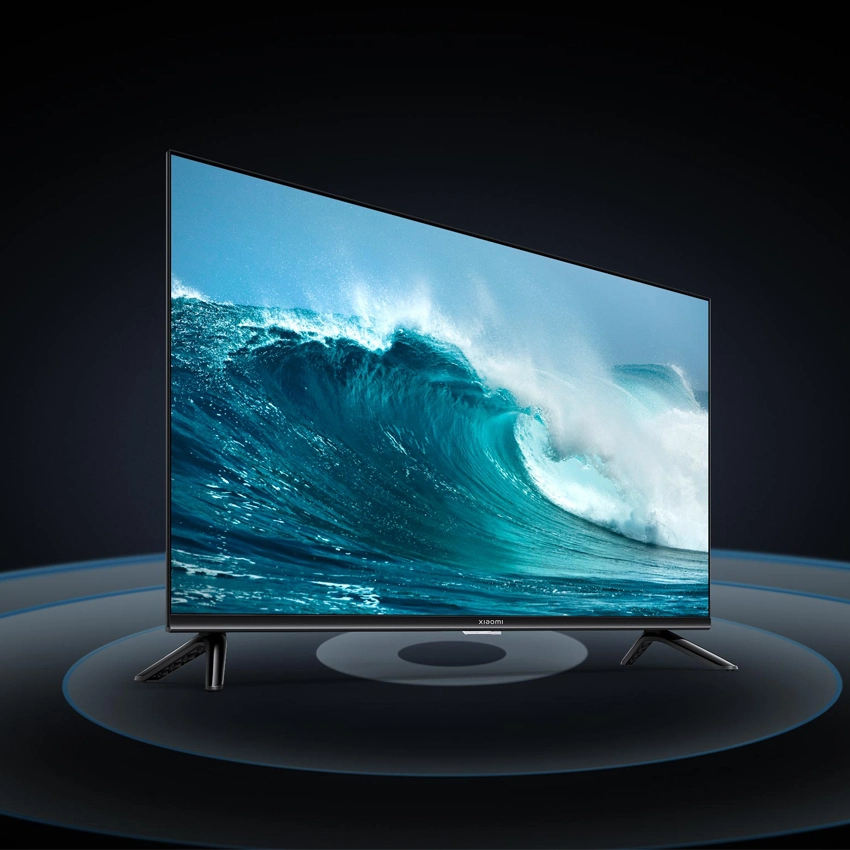
Beyond the Pixels: What Truly Defines a Great Budget TV?
The first thing everyone sees is “4K,” but that’s just the entry ticket to the show. The real magic, the stuff that makes the final season of Game of Thrones look spectacular (even if the writing was… well, you know), lies in the technology working behind the scenes. Think of 4K as the script; the features below are the direction, cinematography, and sound design that bring it to life.
As media technology analyst Dr. Alistair Finch notes, “The performance floor for entry-level televisions has risen dramatically. Technologies like full-array local dimming and Quantum Dot color, once exclusive to flagship models, are now standard in the budget-conscious space, effectively democratizing the premium viewing experience.”
HDR: The Real Game-Changer for Your Binge-Watching
If you take away only one thing from this guide, let it be this: High Dynamic Range (HDR) is more important than 4K resolution. 4K gives you more pixels, but HDR gives you better pixels. It expands the range of contrast and color, making brights brighter and darks darker without losing detail.
- HDR10: This is the baseline standard. It’s good, solid, and gets the job done.
- HDR10+ & Dolby Vision: These are the A-listers. They use dynamic metadata, which means they can adjust the picture scene-by-scene, or even frame-by-frame. Picture this: you’re watching Stranger Things. In a scene in the dimly lit Upside Down, Dolby Vision ensures you can still see the subtle, terrifying details lurking in the shadows, while the piercing red glow from a portal doesn’t just look like a flat red blob. It’s the difference between watching a show and being in it.
Refresh Rate and Input Lag: A Gamer’s Guide
Ever play a fast-paced game like Call of Duty and feel like your character is moving through molasses? That’s likely input lag and a low refresh rate.
- Refresh Rate (Hz): This is how many times per second the image on the screen is updated. 60Hz is standard, but 120Hz provides a much smoother, more fluid picture, especially for sports and gaming.
- Input Lag: This is the delay between you pressing a button on your controller and the action happening on-screen. For casual viewing, it’s irrelevant. For gamers, a low input lag is non-negotiable. Look for TVs with a “Game Mode” that optimizes these settings automatically.
The “Smart” in Smart TV: Is the OS a Deal-Breaker?
A slow, confusing smart TV interface is the modern-day equivalent of your VCR eating your favorite tape. The operating system (OS) is your gateway to Netflix, Hulu, and everything else. The main players are Roku TV, Google TV (and its predecessor, Android TV), and brand-specific systems like LG’s webOS or Samsung’s Tizen. Google TV and Roku are often praised for their user-friendly design and vast app support, making them a safe bet in the hunt for the best budget 4K TV.
|
Our Picks for the Best Television in 2026
As an Amazon Associate, we earn from qualifying purchases.
|
||
| Num | Product | Action |
|---|---|---|
| 1 | Electric Spin Scrubber - Cordless Cleaning Brush with Digital Display, 2 Speeds, 8 Brush Heads, IPX7 Waterproof, Adjustable Long Handle for Bathroom, Tub, Tile, Shower, and Car |

|
The Contenders: Who Makes the Best Budget 4K TV?
For years, the budget TV space has been dominated by a few key brands that consistently punch above their weight. They’ve mastered the art of packing premium features into an affordable package.
TCL: The People’s Champion
TCL arguably started the “premium budget TV” revolution. They were among the first to partner with Roku, creating a powerful combination of great hardware and dead-simple software.
- Strengths: Excellent price-to-performance ratio, often includes features like Mini-LED and QLED in their mid-range models, and the Roku or Google TV interface is a dream to use.
- Weaknesses: Quality control can sometimes be a bit of a lottery, and their motion handling isn’t always on par with the premium brands.
Hisense: The Ambitious Challenger
Hisense has been aggressively competing with TCL, often offering even more features for the money. They’ve pushed technologies like ULED (their proprietary take on QLED) and are not afraid to experiment.
- Strengths: Incredible brightness and value, frequently offering 120Hz panels and advanced gaming features at prices their competitors can’t match.
- Weaknesses: Their motion processing can sometimes create a “soap opera effect” if not calibrated correctly, and their smart OS, while improved, can feel a step behind Google TV.
So, What Is the Best Budget 4K TV Right Now?
The title for the best budget 4K TV is a constantly moving target, but the models that consistently deliver are those that strike a perfect balance between picture quality, features, and price. Generally, you’ll find the top contenders coming from TCL’s 5-Series or 6-Series and Hisense’s U-Series (like the U6, U7, or U8).
Here is a simplified comparison of what you might find in the sweet spot of the budget market:
| Feature | Typical Good Budget TV (e.g., TCL 5-Series) | Typical Great Budget TV (e.g., Hisense U7) |
|---|---|---|
| Panel Type | QLED | QLED or Mini-LED |
| HDR Support | Dolby Vision, HDR10, HLG | Dolby Vision, HDR10+, HLG |
| Refresh Rate | 60Hz | 120Hz Native |
| Smart OS | Roku or Google TV | Google TV |
| Gaming Features | Auto Low Latency Mode (ALLM) | ALLM, Variable Refresh Rate (VRR) |
The key takeaway is that you don’t have to choose between features and your wallet anymore. You can have a TV that makes both a Scorsese film and a session of Elden Ring look breathtaking.
Your Living Room, Your Cinema: The Televisionado Test
A spec sheet is one thing; the actual viewing experience is another. How does one of these modern budget marvels handle the content we love?
- For the Cinephile: Watching a visually dense film like Dune on a QLED budget TV with good local dimming is a revelation. The deep blacks of space contrast sharply with the bright spice explosions, all without the murky grayness of older, cheaper screens. You see the texture in the sand, the intricate details of the stillsuits—it’s the cinematic experience, scaled for your home.
- For the Binge-Watcher: Let’s say you’re revisiting an older show like The Office on Peacock. A good budget 4K TV has a powerful processor that excels at upscaling HD content. It cleans up the image, sharpens the lines, and makes a 2005 sitcom look surprisingly crisp on a 2024 screen.
- For the Sports Fan: The improved motion handling and higher refresh rates on models like the Hisense U7 series mean that when you’re watching a fast-paced football game, the ball is a clear object, not a blurry comet streaking across the field. You can see the plays develop with clarity.
Frequently Asked Questions
Is a budget 4K TV good for gaming?
Absolutely. Many of the best budget 4K TV models now come with features previously found only on high-end sets, like Variable Refresh Rate (VRR) and Auto Low Latency Mode (ALLM). For PlayStation 5 and Xbox Series X, they are a fantastic and affordable choice.
Do I really need Dolby Vision on a budget TV?
While not strictly necessary, Dolby Vision offers a noticeable improvement in picture quality on content that supports it, which includes most major streaming services like Netflix and Disney+. It’s a premium feature that is increasingly standard on the best budget models, making it a worthwhile thing to look for.
How long should a budget 4K TV last?
Modern LED TVs, including budget models, are very reliable. With typical use, you can easily expect a lifespan of 7-10 years before you might notice any significant dimming of the backlight. The smart TV software will likely feel outdated long before the panel itself fails.
What is the best screen size to get for a budget TV?
The sweet spot for value is typically in the 55-inch to 65-inch range. In this size bracket, you get an immersive viewing experience without the significant price jump that comes with larger 75-inch and above models. Always measure your space first!
Is TCL better than Hisense for a budget 4K TV?
This is the big rivalry. Historically, TCL had a slight edge in user-friendliness with its Roku partnership, while Hisense often pushed the boundaries on hardware specs for the price. Today, they are incredibly close. The choice often comes down to the specific model and current sale prices.
The Final Scene: Bringing It All Home
The search for the best budget 4K TV is no longer a treasure hunt for a diamond in the rough. The market is filled with stunningly capable, feature-rich televisions that deliver a truly premium experience. The secret is knowing what to look for: prioritize transformative technology like HDR and, if you’re a gamer, a 120Hz panel. Don’t get lost in the marketing jargon; focus on how those features will enhance the shows, movies, and games you love. A fantastic home theater is now within reach for everyone, and that’s a story we can all get behind. What’s on your screen tonight? Let us know which TV you think is the champion of the budget world in the comments below.